

Everyone keeps saying AI will replace developers.
Most AI coding tools?
Honestly… they still feel like fancy autocomplete.
You ask for something simple.
It generates broken code.
You spend the next 30 minutes debugging everything yourself.
That’s why I was skeptical before trying Cursor.
But after using it for a few real projects, I finally understood why developers and indie hackers are obsessed with this thing.
Cursor isn’t perfect.
But it’s probably the first AI coding tool that genuinely feels useful inside a real workflow.
What Is Cursor AI?
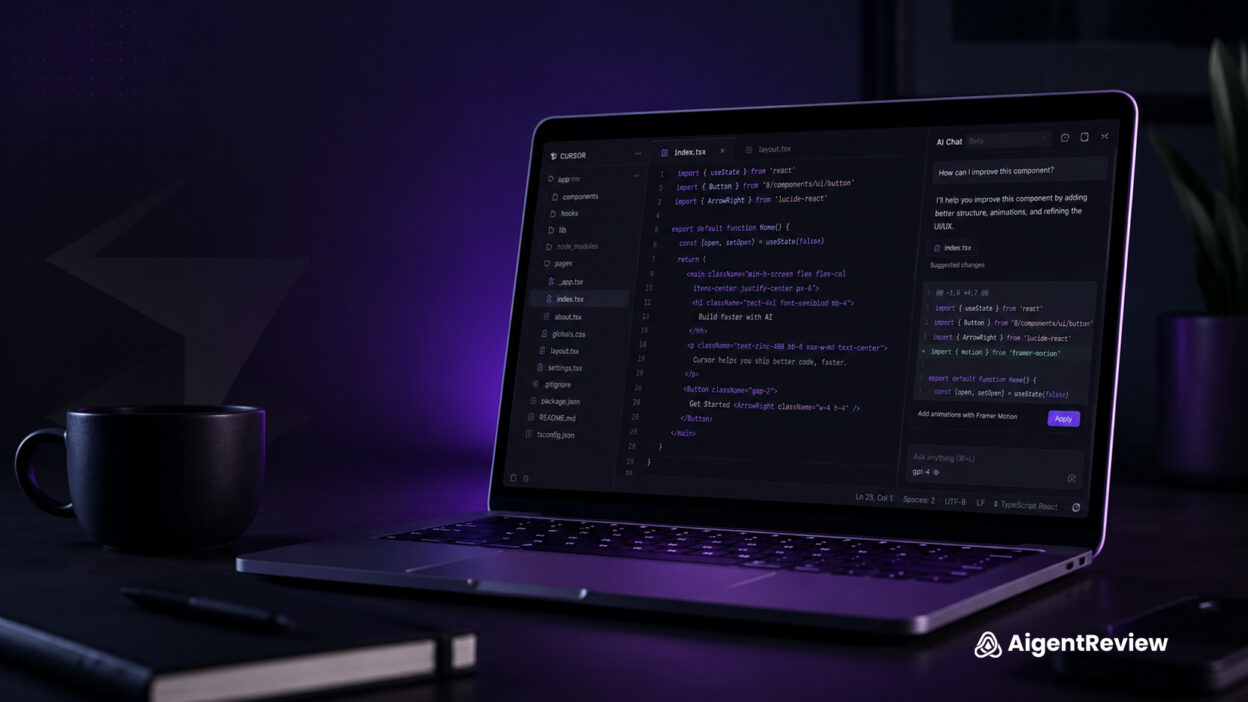
Cursor is an AI-powered code editor built on top of VS Code.
At first glance, it looks almost identical to VS Code.
Same layout.
Same shortcuts.
Same extensions.
But the difference is how deeply AI is integrated into the editor itself.
Instead of constantly jumping between:
- ChatGPT
- Stack Overflow
- documentation
- your code editor
…Cursor brings the AI directly into your development workflow.
And honestly, that changes the entire experience.
My Real Test: Building a SaaS Landing Page
I didn’t want to test Cursor with random prompts.
So I gave it a real-world task:
“Build a modern SaaS landing page with:
- hero section
- pricing cards
- testimonials
- responsive design
- Tailwind CSS”
Within minutes, Cursor generated:
- clean sections
- decent UI structure
- reusable components
- responsive layout
Was it perfect?
No.
But it easily saved me 2–3 hours of repetitive work. And that’s where Cursor becomes dangerous. Not because it replaces developers overnight…
…but because it dramatically speeds up execution.
Watch Cursor in Action
Want to see Cursor being used in a real workflow?
This video gives a solid breakdown of how developers are building apps faster using Cursor AI.
What Cursor Does Better Than Most AI Coding Tools
1. It Understands Project Context
This is Cursor’s biggest advantage.
Most AI tools only understand:
- one prompt
- one file
- limited context
Cursor understands:
- your project structure
- connected files
- components
- imports
- dependencies
That means you can say things like:
“Refactor this component using the same design system.”
…and it usually understands what you mean.
That feels insanely different compared to copy-pasting code into ChatGPT every 5 minutes.
2. Editing Existing Code Feels Insanely Fast
Cursor becomes really powerful once you already have a project running.
This is where it shines:
- fixing UI issues
- refactoring messy code
- converting CSS to Tailwind
- creating reusable components
- debugging small problems
The inline editing workflow feels smooth enough that you stop thinking about the AI itself.
You just build faster.
3. The Workflow Feels Addictive
This surprised me the most.
After a few hours, using normal coding tools suddenly felt slow.
Why?
Because Cursor removes friction.
Instead of:
- searching documentation
- opening ChatGPT
- rewriting repetitive code
…you stay inside the editor and keep shipping.
That’s the real value.
Not “AI magic.”
Just:
faster momentum.
Where Cursor Still Struggles
Let’s be honest.
AI coding is still massively overhyped online. And Cursor definitely has limitations.
1. Complex Projects Can Break Fast
Once your app becomes:
- large
- architecture-heavy
- backend dependent
…the AI starts making questionable decisions.
Sometimes it:
- breaks working logic
- creates duplicate components
- misunderstands app structure
So no – Cursor is NOT replacing senior developers anytime soon.
2. Beginners Might Still Feel Lost
This is important.
If you know absolutely nothing about:
- React
- APIs
- debugging
- deployment
…Cursor can actually become frustrating.
Because AI-generated code still requires:
- understanding
- decision making
- debugging skills
Cursor helps builders move faster. It doesn’t replace thinking.
Who Cursor Is Perfect For
Cursor feels almost tailor-made for:
✅ Indie hackers
✅ Startup founders
✅ No-code builders learning development
✅ Frontend developers
✅ Rapid prototyping
✅ MVP building
Cursor Autonomy Score
Instead of boring star ratings, here’s the AigentReview breakdown:
🤖 Autonomy Level: 2/3 – Agentic
Cursor can:
- understand context
- edit files
- generate features
- refactor code
- assist debugging
But it still needs:
- human supervision
- testing
- technical decisions
This is not fully autonomous AI coding. Yet.
Setup Difficulty
⚡ Setup Time: Easy
If you already use VS Code, setup takes: around 5–10 minutes. Very beginner-friendly.
Does Cursor’s Free Plan Actually Work?
Yes – for testing.
The free version is enough to:
- experiment
- build small projects
- understand the workflow
But if you use Cursor heavily every day, you’ll hit limits pretty quickly. For serious builders, the paid plan makes much more sense.
What I Personally Liked Most
Not the code generation.
The speed.
Cursor dramatically reduces:
- repetitive tasks
- context switching
- workflow friction
And honestly, that’s where most productivity gains actually happen. Not from replacing developers. But from helping people execute ideas faster.
Final Verdict
Cursor is probably the first AI coding tool that genuinely feels practical in day-to-day development.
It’s not magic.
It’s not fully autonomous.
And yes — it still makes mistakes.
But compared to most AI coding tools right now?
Cursor feels closer to a real workflow product than a flashy demo.
And that’s exactly why it’s becoming one of the most important tools in the entire “vibe coding” movement.
Should You Use Cursor?
YES – if:
- you already understand basic development
- you want to prototype faster
- you hate repetitive coding
- you build products regularly
NO – if:
- you expect one-click app generation
- you refuse to debug AI mistakes
- you want fully autonomous development
Bottom Line
Most AI coding tools still feel like experiments. Cursor feels like an actual productivity tool. And right now, that’s a huge difference.